> For the complete documentation index, see [llms.txt](https://docs.geopard.tech/geopard-tutorials/llms.txt). Markdown versions of documentation pages are available by appending `.md` to page URLs; this page is available as [Markdown](https://docs.geopard.tech/geopard-tutorials/dnk/aendringslog-and-produktudgivelser/udgivelse-til-web-februar-2024-pris-pr.-areal-enheder.md).
# Udgivelse til web februar 2024 (pris pr. areal, enheder)
Denne udgivelse forbedrer GeoPards priser, herunder valg af enheder og abonnementsstyring.
### Prissætning: Valg af enhed
GeoPard-teamet er begejstret for at introducere en ny funktion, der giver vores prisskema større fleksibilitet. Med denne opdatering kan GeoPard-brugere nu nemt skifte mellem hektar og acres, så de kan vælge den måleenhed, der passer til deres præferencer. Denne forbedring har til formål at give en mere skræddersyet oplevelse og sikre, at vores brugere har friheden til at vælge det, der fungerer bedst for dem.
Prissætning: Valg af enhed
### Prissætning: Abonnementsadministration
Med forståelsen for værdien af en problemfri fornyelsesproces for abonnementer har vi finjusteret systemet for at sikre uafbrudt adgang til GeoPard. Hvis du er en eksisterende bruger, som endnu ikke har brugt Stripe til betalinger, så **Administrer mit abonnement** knappen fører dig direkte til siden for abonnement. Hvis du allerede bruger Stripe, fører den samme knap dig til Stripe-kundeportalen.
Prissætning: Administrer abonnementsplaner
### Forbedringer til udvikling:
\[FTR] Ret udvidet tilstand for sektionen med etiketter
\[FTR] Forbedringer af fejlhåndtering
\[BUG] Ret brugerdata-polleren efter vellykket abonnement
\[BUG] Ret indlæsningen af feltdata under oprettelse af zonekort
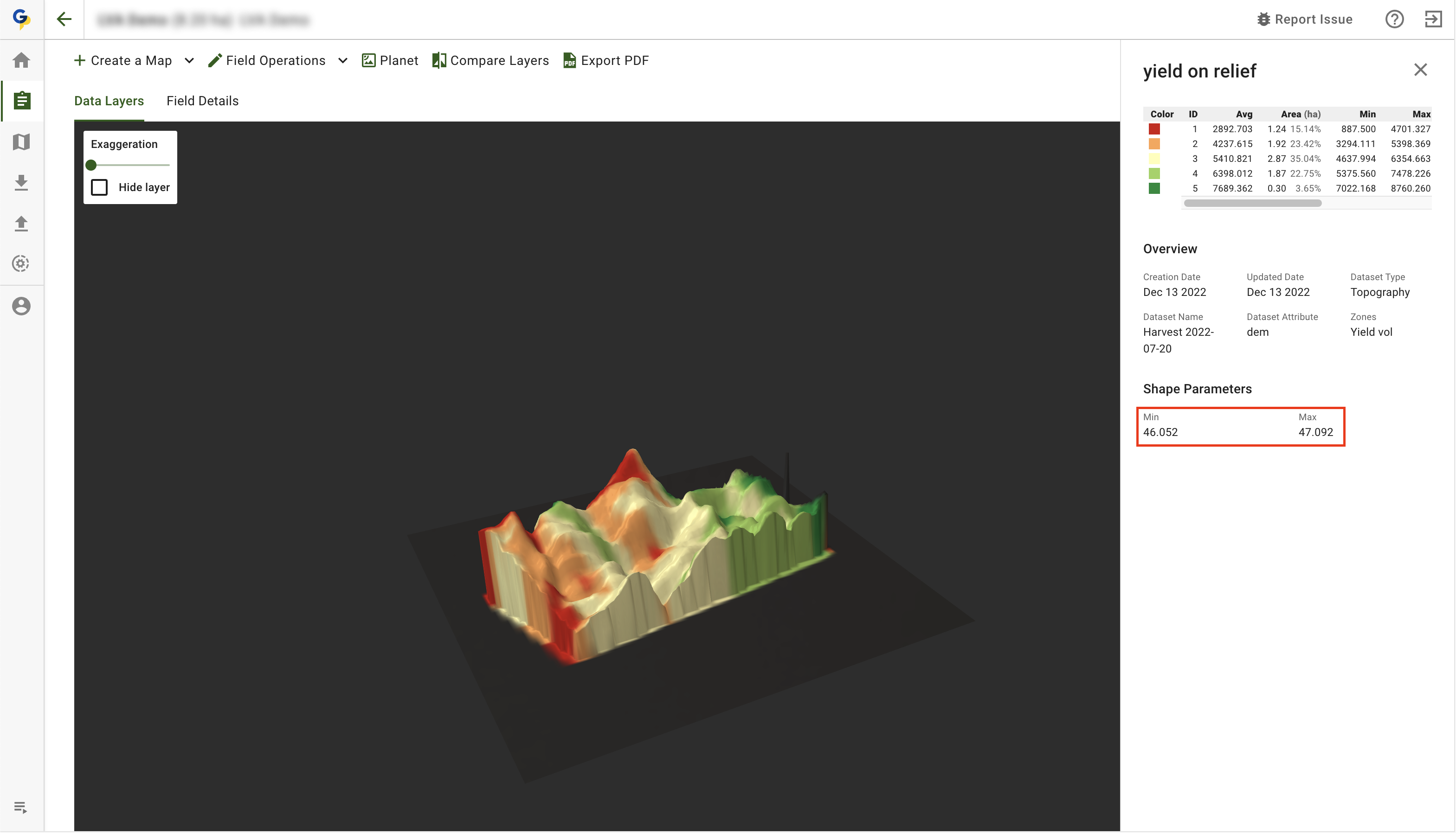
\[BUG] Ret nummervisningen i 3D-kortets signaturforklaring
Forbedring af 3D-kortets signaturforklaring
\[BUG] Deaktivér PDF-eksport for publicerede datasæt
\[BUG] Ret fejlen, hvis zonekortet blev oprettet korrekt
---
# Agent Instructions
This documentation is published with GitBook. GitBook is the documentation platform designed so that both humans and AI agents can read, navigate, and reason over technical content effectively. Learn more at gitbook.com.
## Querying This Documentation
If you need additional information that is not directly available in this page, you can query the documentation by asking a question.
Perform an HTTP GET request on the following URL with the `ask` and `goal` query parameters:
```
GET https://docs.geopard.tech/geopard-tutorials/dnk/aendringslog-and-produktudgivelser/udgivelse-til-web-februar-2024-pris-pr.-areal-enheder.md?ask=&goal=
```
`ask` is the immediate question: it should be specific, self-contained, and written in natural language.
`goal` is what the user is ultimately trying to achieve, the reason they need the answer. Sharing it helps GitBook give you a better, more relevant answer. A goal is most helpful when it describes the outcome the user wants rather than restating the question. For example, with `ask=how do I create an API token`, a goal like `automate deployments from our CI pipeline` lets GitBook tailor the answer to that use case.
The response will contain a direct answer to the question and relevant excerpts and sources from the documentation.
Use this mechanism when the answer is not explicitly present in the current page, you need clarification or additional context, or you want to retrieve related documentation sections.