> For the complete documentation index, see [llms.txt](https://docs.geopard.tech/geopard-tutorials/llms.txt). Markdown versions of documentation pages are available by appending `.md` to page URLs; this page is available as [Markdown](https://docs.geopard.tech/geopard-tutorials/bg/produktova-obikolka-ueb-prilozhenie/zones-maps-and-analytics/heterogeneity-factor.md).
# Фактор на хетерогенност
Измервайте вариабилността в рамките на полето, за да идентифицирате полета, при които зонирането и променливите норми носят най-голяма стойност.
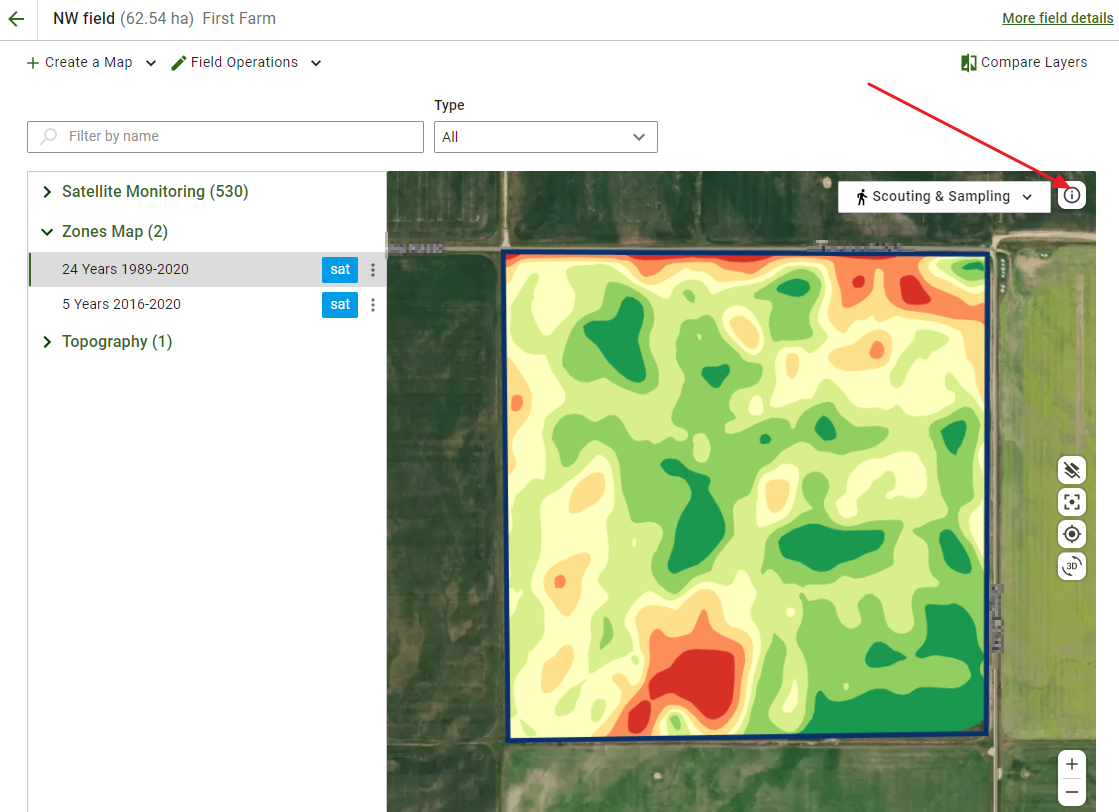
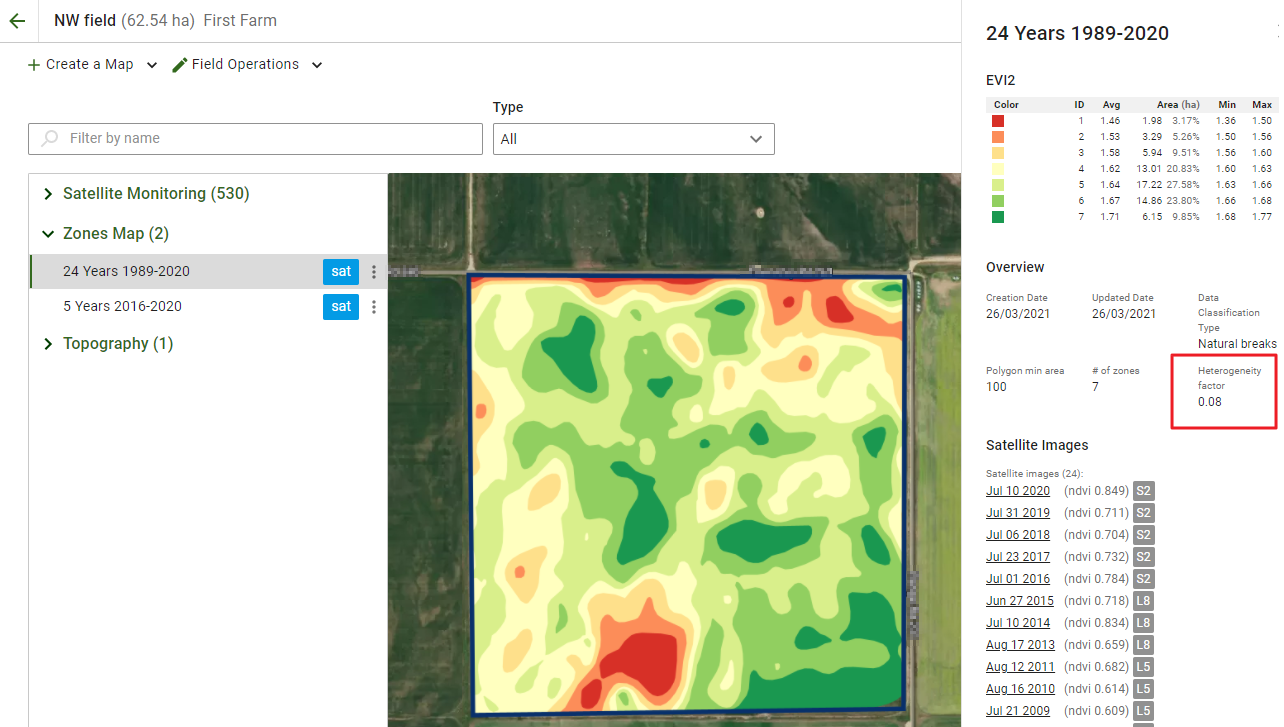
Една от функциите на GeoPard е да показва степента на разнородност на полетата ви. За да я прегледате, отворете желаното поле, изберете картата със зони и щракнете върху **Информация** иконата на картата. Ще се отвори страничният панел.
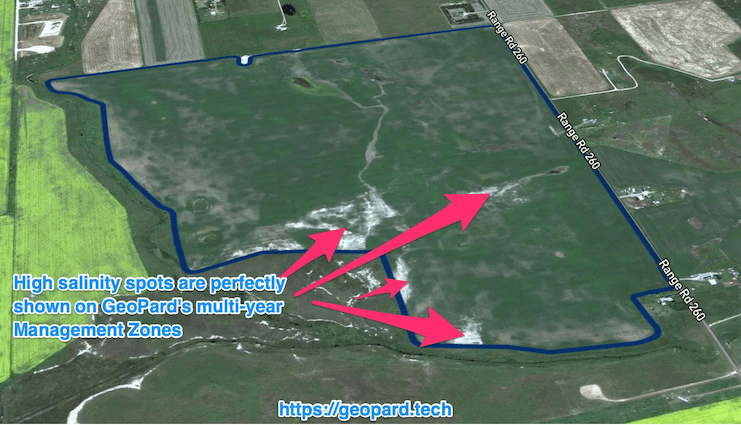
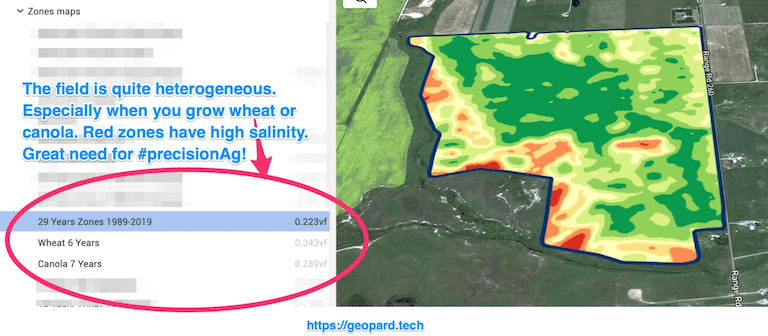
Степента на разнородност е число, което показва нивото на разнородност/вариабилност на полетата ви. Колкото по-голяма е вариабилността на едно поле, толкова по-необходими са технологиите за прецизно земеделие. Това е особено полезно в съчетание с многогодишните анализи на GeoPard (история за 30 години).
Ако имате много полета, тази информация може да ви помогне да прецените кои полета да обработите първо с [Променливи норми на приложение](http://test/) (сеитба, торене, пръскане).
Като комбинирате степента на разнородност на GeoPard с многогодишните анализи, можете да спестите най-много от препарати в най-разнородните полета.
---
# Agent Instructions
This documentation is published with GitBook. GitBook is the documentation platform designed so that both humans and AI agents can read, navigate, and reason over technical content effectively. Learn more at gitbook.com.
## Querying This Documentation
If you need additional information that is not directly available in this page, you can query the documentation by asking a question.
Perform an HTTP GET request on the following URL with the `ask` and `goal` query parameters:
```
GET https://docs.geopard.tech/geopard-tutorials/bg/produktova-obikolka-ueb-prilozhenie/zones-maps-and-analytics/heterogeneity-factor.md?ask=&goal=
```
`ask` is the immediate question: it should be specific, self-contained, and written in natural language.
`goal` is what the user is ultimately trying to achieve, the reason they need the answer. Sharing it helps GitBook give you a better, more relevant answer. A goal is most helpful when it describes the outcome the user wants rather than restating the question. For example, with `ask=how do I create an API token`, a goal like `automate deployments from our CI pipeline` lets GitBook tailor the answer to that use case.
The response will contain a direct answer to the question and relevant excerpts and sources from the documentation.
Use this mechanism when the answer is not explicitly present in the current page, you need clarification or additional context, or you want to retrieve related documentation sections.